
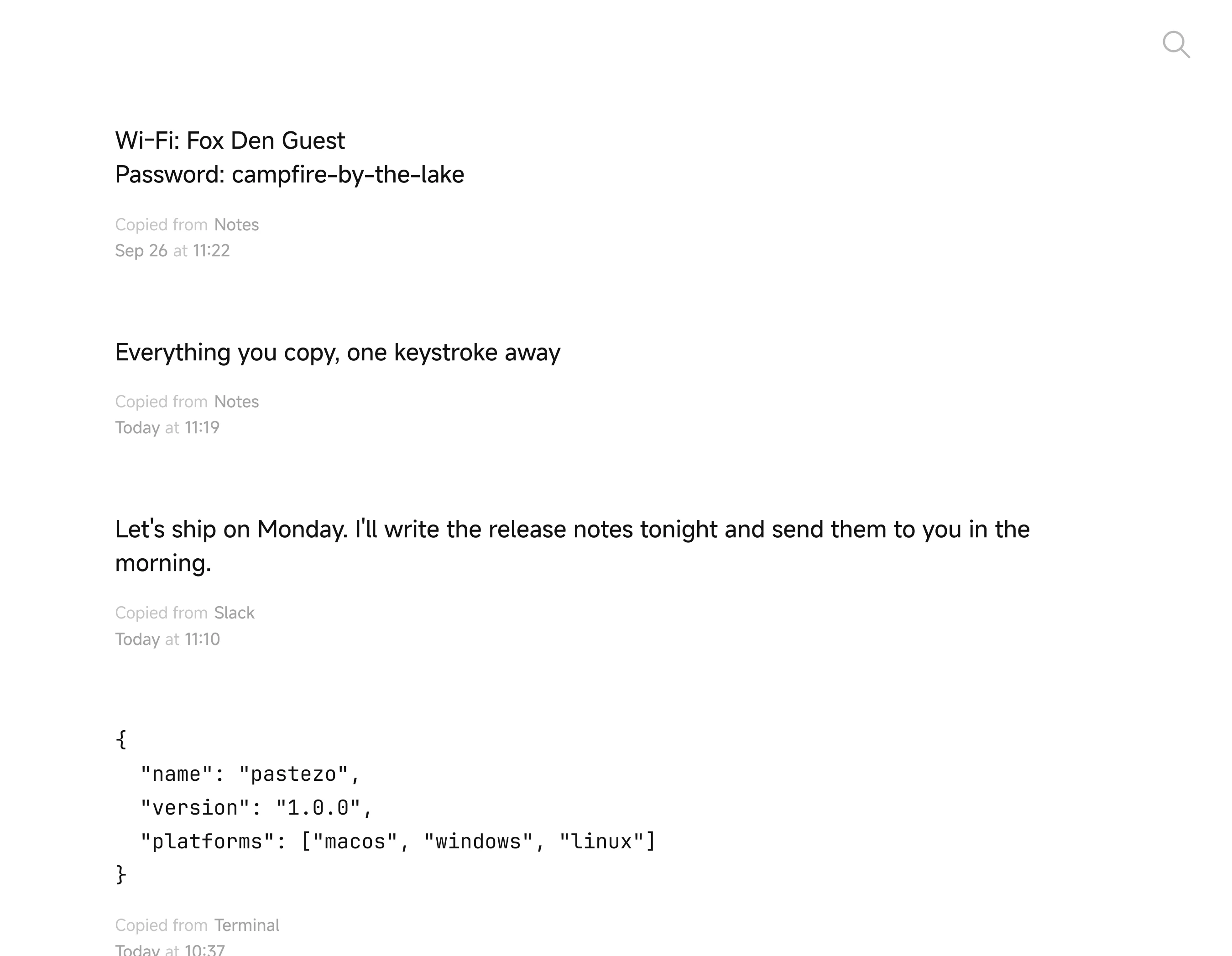
What Pastezo does on Mac
- Keeps text, links and images you copy, newest on top
- Search forgives typos; filters like
app:,type:image,after:yesterday - Return pastes the selected clip into the app you came from
- ⌘1…⌘9 paste one of the first nine clips
- Pins, preview with Space, ⌘Z brings back a deleted clip
- 38 themes, 20 app icons, 54 languages
- Statistics, import and export of the whole history
- History stays on your computer, no account
- Hide Pastezo from screen sharing, recordings and screenshots (Settings → General → Privacy)
- Native builds for Apple Silicon and Intel
Install Pastezo on Mac
Download the .dmg
Apple Silicon for M1 and newer Macs, Intel for older ones.
Drag Pastezo into Applications
Open the .dmg and drag the Pastezo icon into the Applications folder.
Open Pastezo
It starts collecting what you copy. Turn on “Open Pastezo at login” in Settings → General to keep it running.
Set a shortcut
Settings → General → Shortcut → Record Shortcut, for example ⌘⇧V. Press it from any app to open the history.
System requirements
macOS 11 or later on Apple Silicon (M1 and newer), macOS 10.15 or later on Intel.
- macOS · Apple Silicon Pastezo-1.0.0-macos-arm64.dmg
- macOS · Intel Pastezo-1.0.0-macos-x64.dmg