
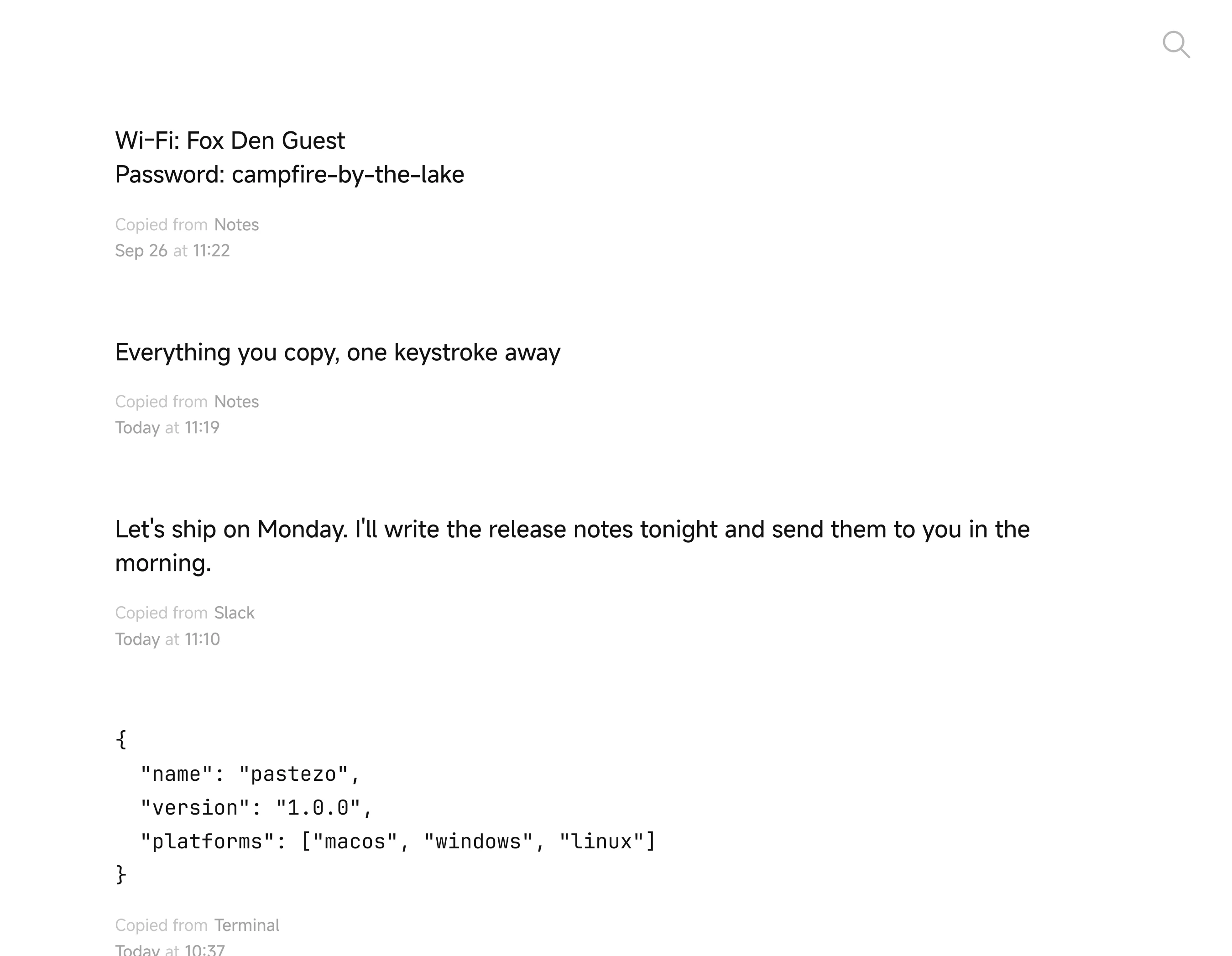
What Pastezo does on Linux
- Keeps text, links and images you copy, newest on top
- Search forgives typos; filters like
app:,type:image,after:yesterday - Return pastes the selected clip into the app you came from
- Ctrl+1…Ctrl+9 paste one of the first nine clips
- Pins, preview with Space, Ctrl+Z brings back a deleted clip
- 38 themes, 20 app icons, 54 languages
- Statistics, import and export of the whole history
- History stays on your computer, no account
- Works on X11 and Wayland; on KDE, Sway and other wlroots desktops copies are picked up at once
- Installs for your user into ~/.local, no root
Install Pastezo on Linux
Download the .tar.gz
x64 or ARM.
Run the installer
Unpack the archive and run ./install.sh. It installs into ~/.local and adds Pastezo to your app launcher.
Open Pastezo
From your app launcher, or run ~/.local/bin/Pastezo.
Set a shortcut
Under X11, in Pastezo’s Settings → General. Under Wayland, in your desktop’s keyboard settings, with the command ~/.local/bin/Pastezo.
System requirements
Linux on x64 or ARM with X11 or Wayland.
- Linux · ARM Pastezo-1.0.0-linux-arm64.tar.gz
- Linux · x64 Pastezo-1.0.0-linux-x64.tar.gz